You can change the Display Properties of the output, including Line Color, Line Style, Font, Line Equation Style, Decimal Digits, and whether or not a name is shown with the output.
After you generate an output expression:
- click the output
- right click the mouse and select All Properties from the Selection context menu or from the Edit menu
- click one of the rows
- click the drop-down arrow
 or
or  to select a different property.
These properties are also included in the default settings under: Edit / Preferences / Math. Note: changing these settings does not change properties of elements already on the drawing. Change existing elements by selecting them and using the Properties command as described above.
Show Name - is a term assigned by the system to the output. This name is zn where n is the sequential number of the output .
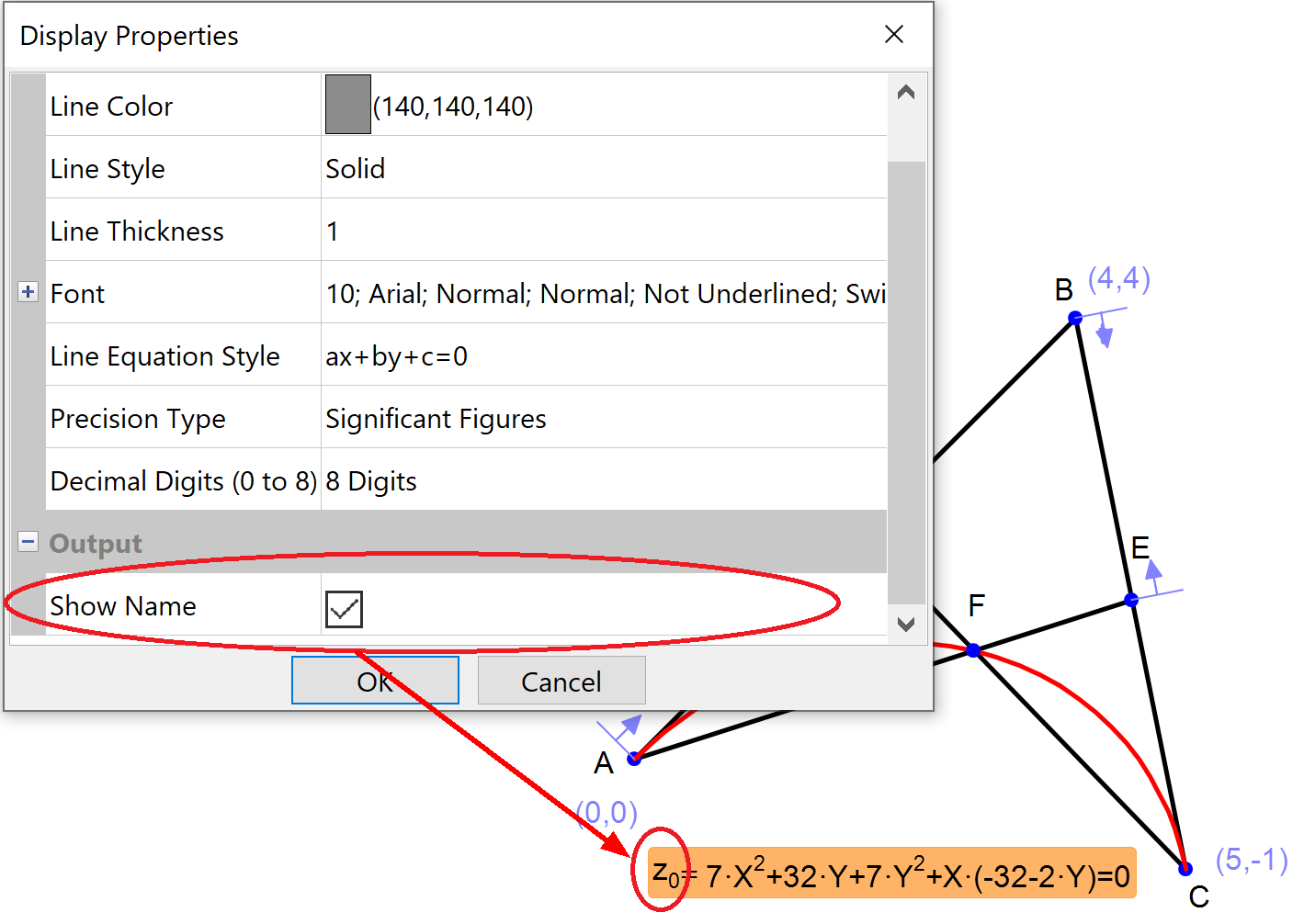
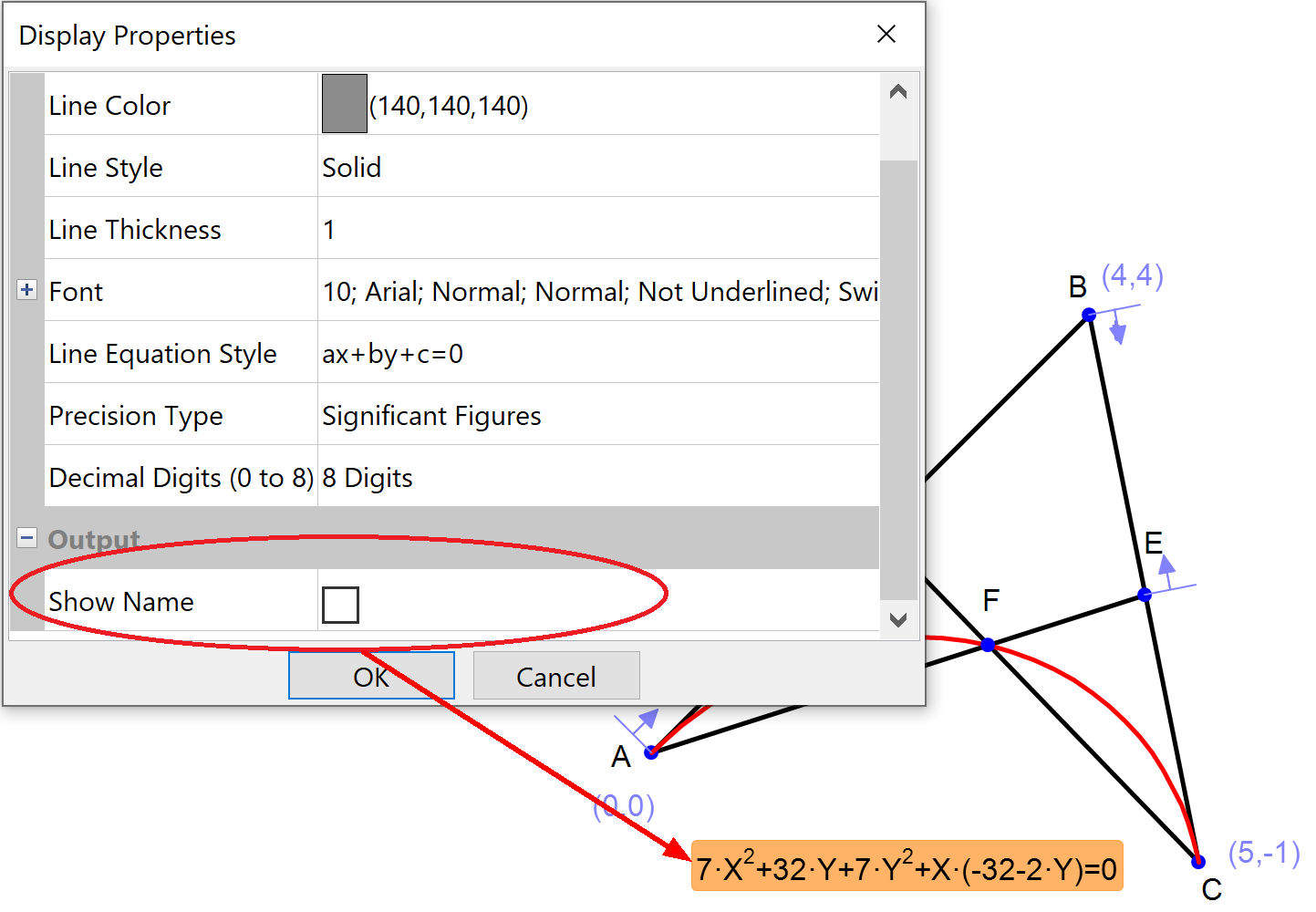
These names are a handy shortcut for using in the Draw / Expression tool.